What’s New : Sibling discounts will now auto-recalculate when any sibling leaves the school. Earlier, the discount remained unchanged even if a sibling left mid-year. Now, the system will automatically adjust the concession based on the leaving date.
Examples:
- If A & B are siblings and B leaves on 17 Sep, A’s concession will apply only till 17 Sep for the consumed installment.
- If A, B & C are siblings and B leaves, C will automatically get the 2nd sibling concession for upcoming installments.
Note: Concessions already consumed will not be reversed. Only future installments after the sibling’s leaving date will be re-calculated.
Benefit : Ensures sibling concessions remain accurate, fair, and automatic, reducing manual intervention and preventing fee mismatches.
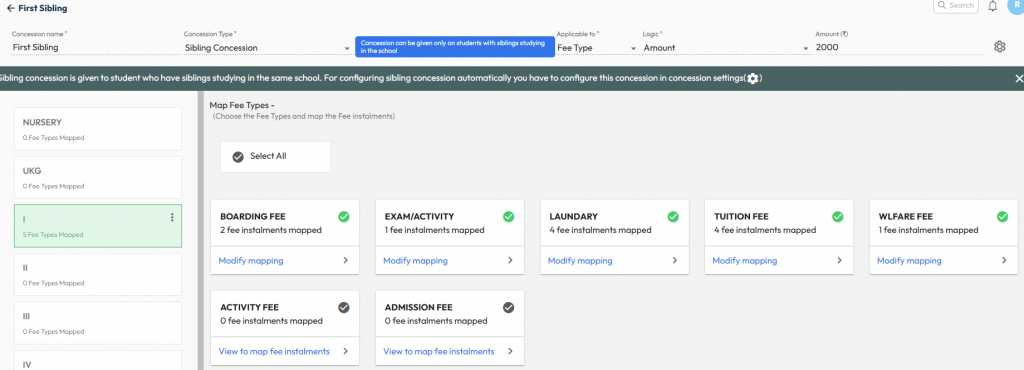
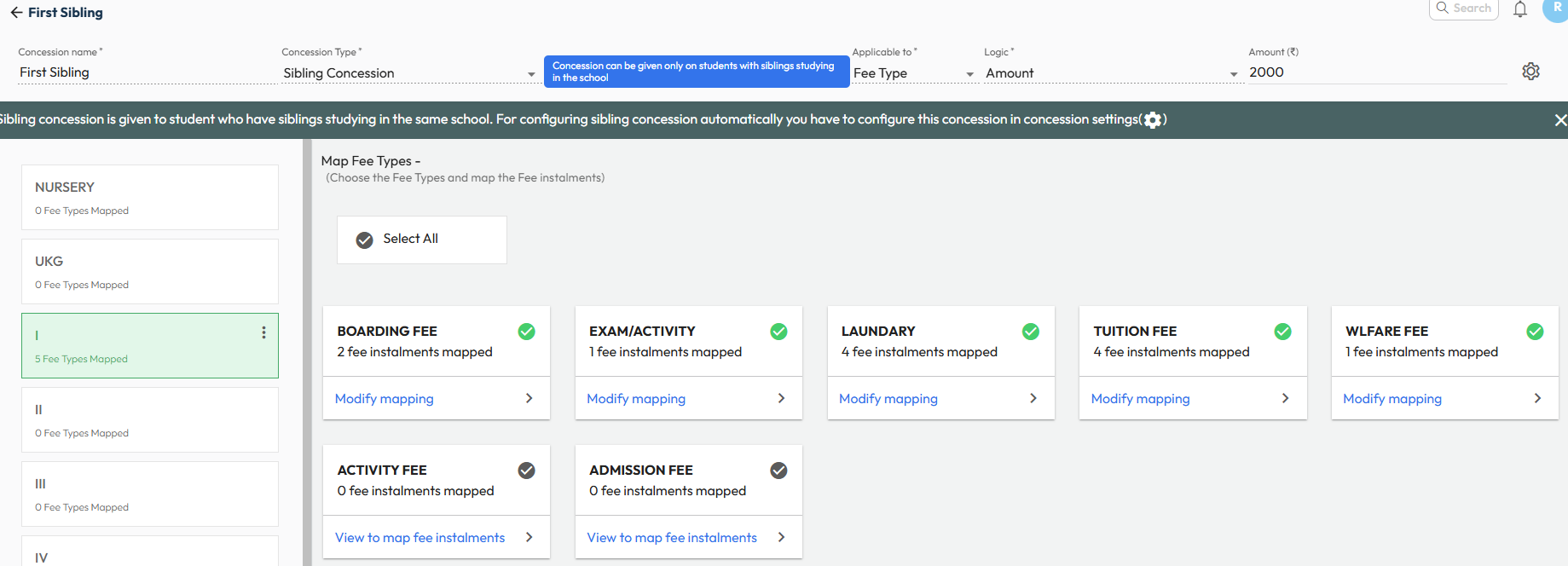
Path : This works automatically if sibling concessions are set. You can manage it from:
Settings > Finance > Fee > Fee Type > Fee Concession > Concession Master & Concession Settings