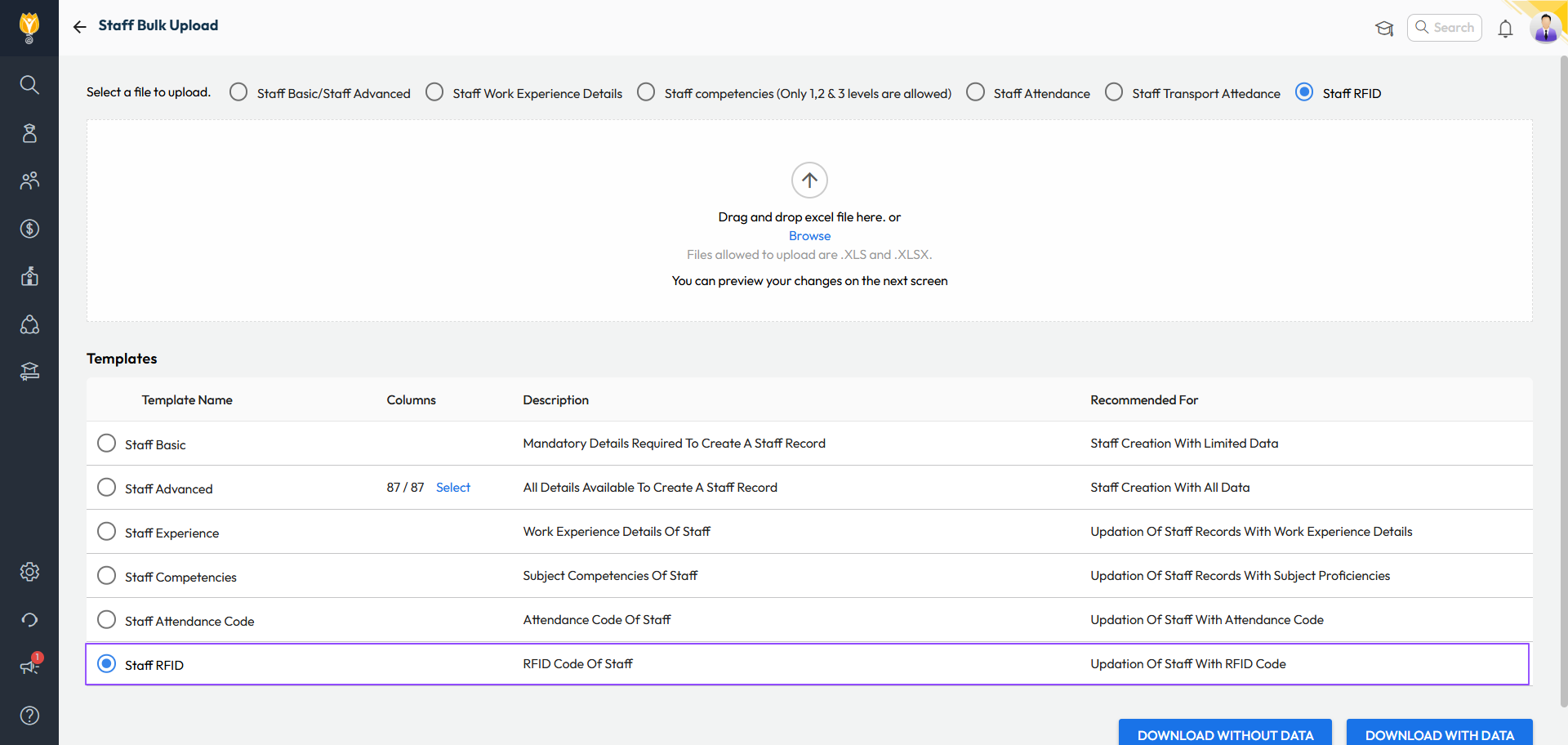
What’s New : RFID numbers for students and staff can now be managed more easily:
- View or update RFID directly from Student 360 or Staff 360 pages.
- Bulk update RFID numbers using a new Excel template.
- Add or correct RFID numbers
Changes will auto-sync once the device is online.
Benefit : No longer need to visit the device physically to map the ID cards. Saves time and effort for administrators.
Path :
Student 360: Student > Student List > Search Student > Academic Details > RFID Number
Staff 360: Staff > Staff List > Search Staff > Employment > RFID Number
Bulk: Settings > Administration > School Setup > Bulk Student/Staff Upload > Select Template as Student/Staff RFID